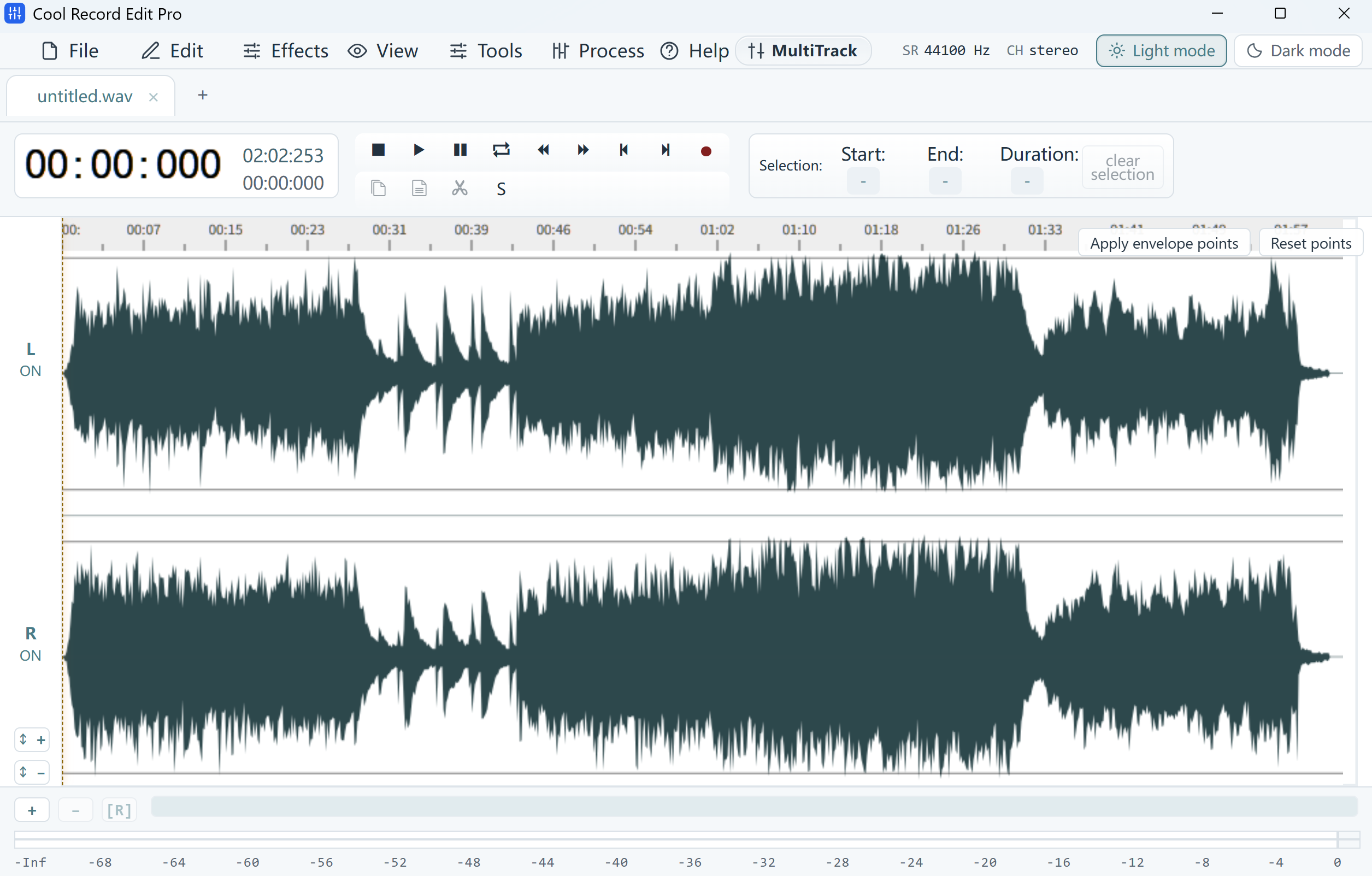
Compare left and right first
Listen to each channel around the gap. For example, the right channel may lose a syllable near 00:41 while the left remains intact. Check that both sides carry the same performance and timing. Keep separate tracks for different speakers or intentional stereo material.
Copy the same time range
Zoom in and note the exact boundaries of the gap. Select that same range in the good channel and copy it. On a working copy, select only the damaged channel and use Paste Overwrite on the corresponding range. Use Undo if the editor shifts later audio or affects both channels.
Compare the repaired join
Play both channels through the repaired phrase. Check that the voice stays centered, both boundaries sound clean and a later cue remains aligned. Save a separate stereo WAV and recheck it in your usual player.