Find the new click
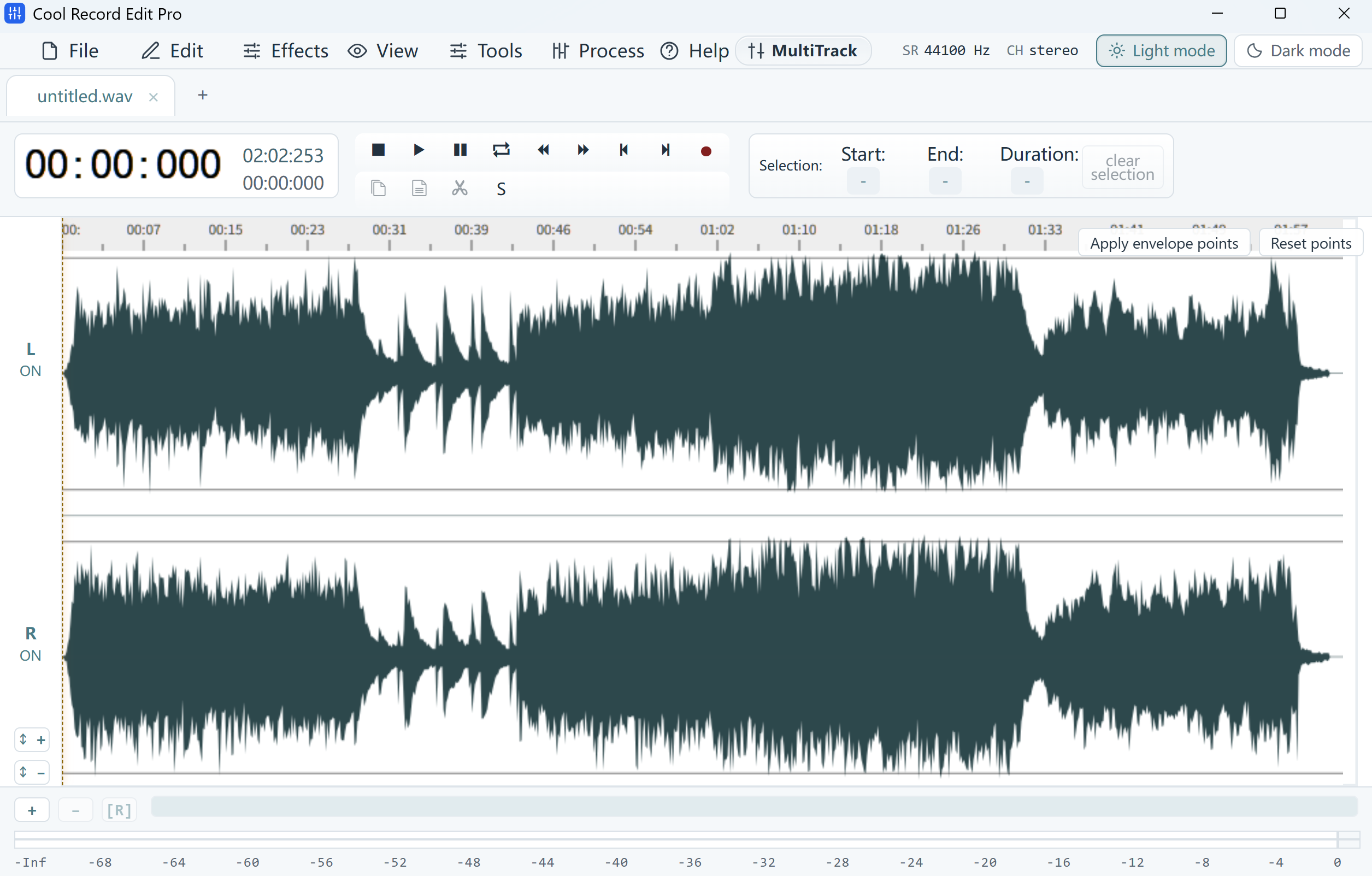
Listen to the original and to the edited copy around the join. If only the edit clicks, zoom in at that point and check for a sudden jump in the waveform. Audition from a few syllables before the join each time.
Try a quieter boundary
If you can undo the cut, move its edges into a short gap between words. If the join is already in a quiet gap, try a very short fade toward the join and a short fade back up on the other side. Start with a few milliseconds and preview so the edges of words stay clear.
Listen for the next consonant
Save a separate WAV and play the entire sentence. Compare it with the source at the same listening volume. If the click disappears but a consonant becomes softer, shorten the fade or revise the cut.