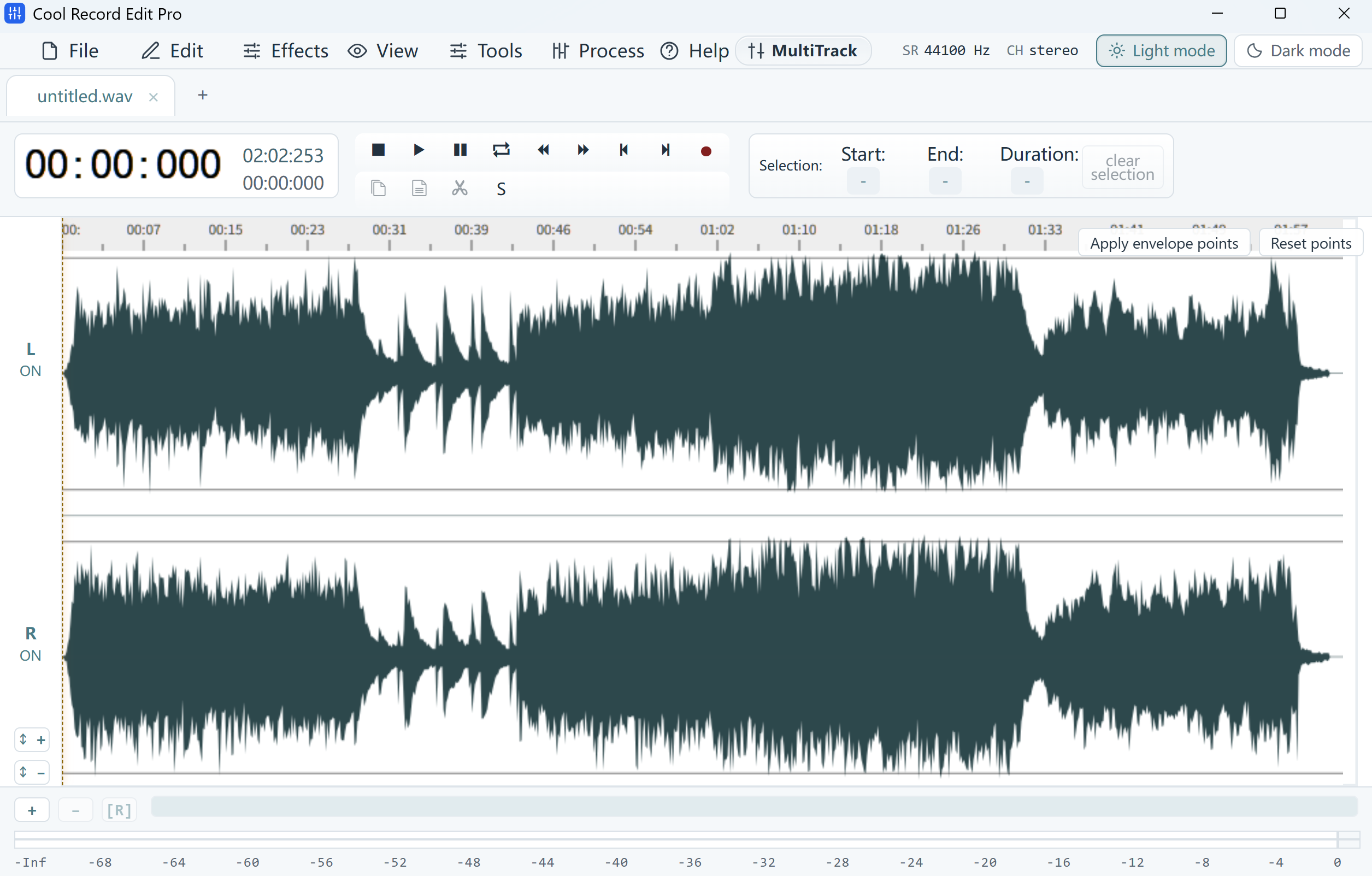
Select the entire name
Open a working copy and zoom into the sentence. If the name spans 00:12.400 to 00:12.900, select the full half-second including the consonants at both ends. For a stereo recording, select the span in both channels.
Silence the selection
Apply the Silence effect to the selected range. Play from a few words before the selection through a few words after it. Widen the muted range if part of the name is still intelligible. Keep the original available separately.
Compare one later cue
Save a separate WAV and reopen it. Check that its duration matches the source and that a later phrase still starts at the same time, for example at 00:19.200. Listen through the redaction in the exported file before sharing it.