Cool Youtube Video Downloader · 8.1.0
Download YouTube Videos & Audio For Free
Keep supported YouTube videos on your PC as MP4, or save just the sound as MP3 to listen offline.
- Save videos as MP4
- Save audio as MP3
- Choose available video quality
- Queue multiple video downloads
100% free · No paid registration
Windows 11/10 · 64-bit · 77.9 MB
FROM IDEA TO FINISHED FILE
From Source To Saved File
1. Paste A Link
Add the video URL to the app.
2. Choose Your Format
Read available formats and pick your output.
3. Save To Your PC
Start the job and open your saved file.
A CLOSER LOOK
More Control Over Your Media
See The Available Quality
Read the formats offered by the source before choosing a resolution. Higher quality is available only when the source provides it.
Keep Just The Audio
Choose an audio output when you want a listening copy instead of a video file.
Build A Download Queue
Add more than one item and choose a destination so finished files are easy to find.
Keep The Part You Need
After downloading a supported source, use Edit / Trim to keep the part you want before creating the final file.
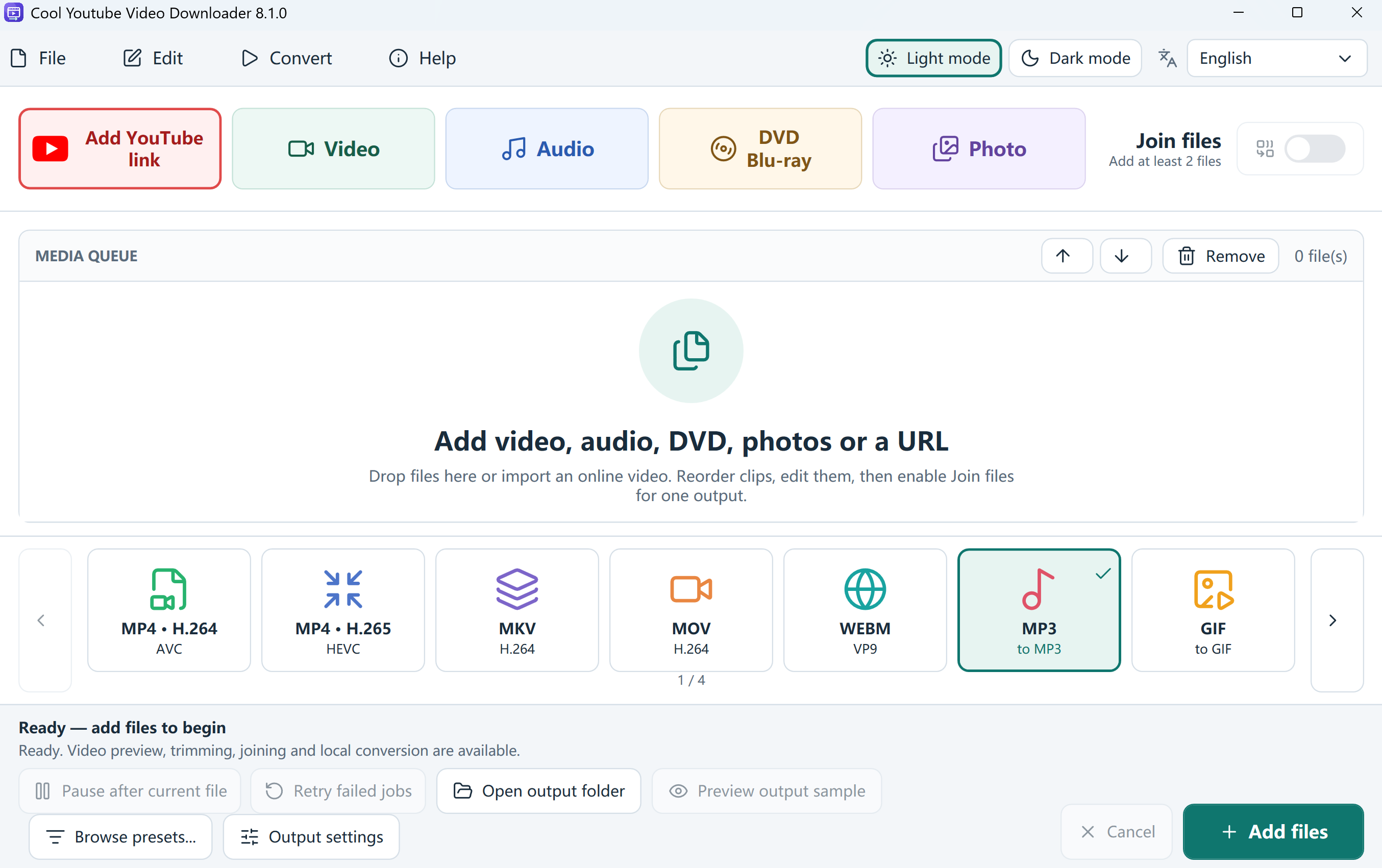
Cool Youtube Video Downloader · Start screen · Add YouTube link
YOUR NEXT STEP
Get Started For Free
Download the full application for your Windows PC.
Cool Youtube Video Downloader
Free softwareVersion 8.1.0 · 77.9 MB · Windows 11/10 · 64-bit
Download Free100% free · No paid registration
- Digitally signed installer
- Free supported features and exports
System Requirements & Download Details
64-bit Windows 10 version 2004 or later, or Windows 11. The installer checks required runtime components.
No paid product registration is needed.
Setup includes an optional third-party software offer. You can decline it and still install this application.
CoolYoutubeVideoDownloader.exe · 81,637,448 bytes
GOOD TO KNOW
Your Questions, Answered
Is the downloader completely free?
Yes. Cool Youtube Video Downloader is a free Windows application. No paid product registration is required.
Can I download HD MP4?
Choose MP4 and a source format with the resolution you need. A download cannot add detail that is absent from the original video.
Does every video work?
No downloader can guarantee every URL. Availability depends on the website, video permissions, region and current download-module support.
What if a supported link stops working?
Check that the original video is still available. Use the download-module update option in Help, then retry. Updates may restore compatibility but do not grant access to private or restricted content.
Can it unlock private or paid videos?
No. It does not provide access to private, paid or otherwise restricted content. Use videos you own or have permission to download.
FREE SOFTWARE
Ready To Make It Yours?
Get the free Windows app and start your next project.
Download Free100% free · No paid registration
Windows 11/10 · 64-bit