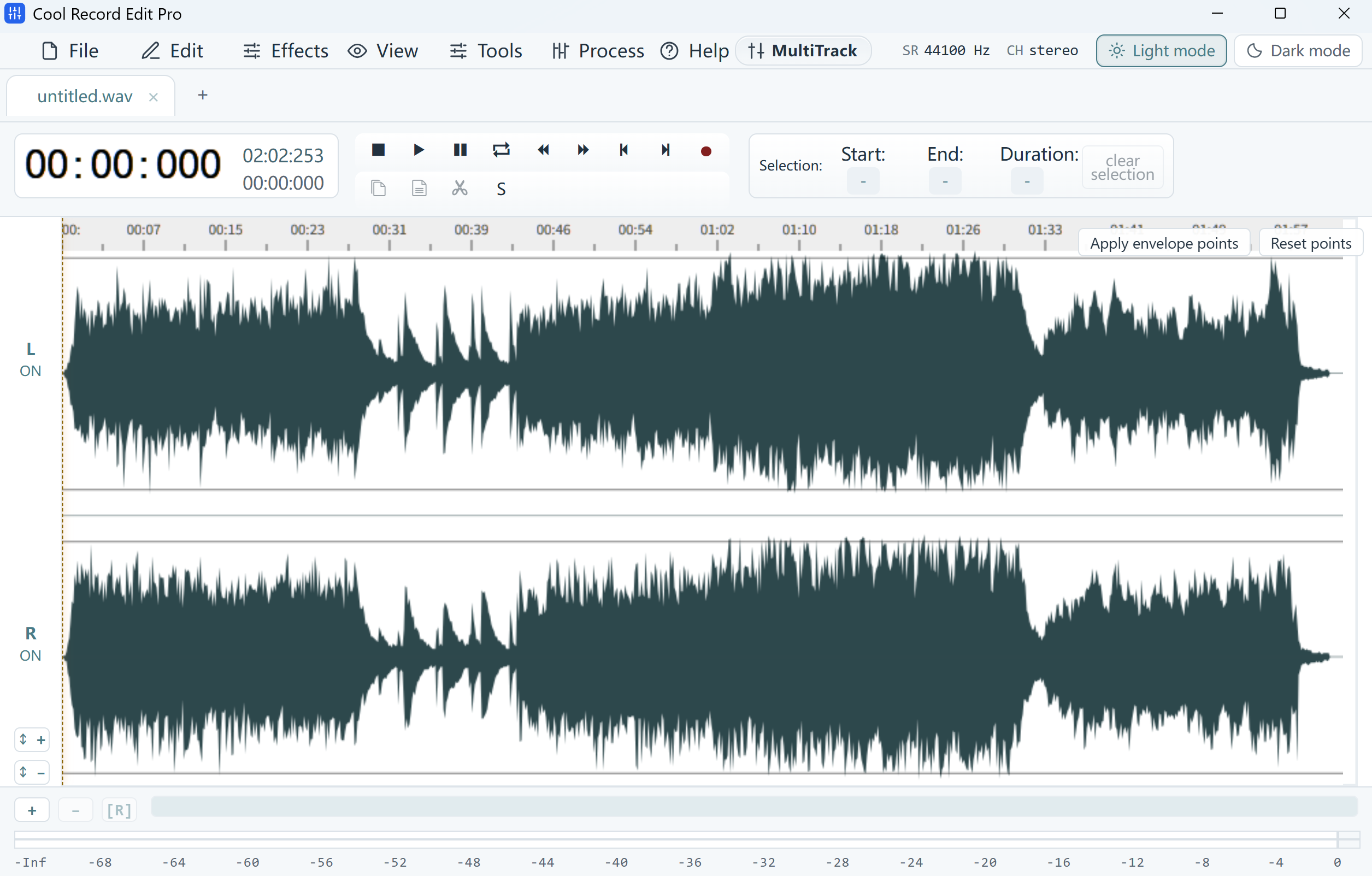
Compare ordinary words
Play a phrase from each clip through the same headphones at the same volume. Choose phrases spoken with similar emphasis. A single loud breath can dominate a peak reading even when the rest of that clip sounds quiet.
Adjust one copy in small steps
Select the quieter clip and try the Amplify effect. Start with a small increase, such as 126% of the original level (about +2 dB). Preview ordinary words and the loudest passages. Back off the gain if peaks flatten or the adjusted clip develops audible distortion.
Audition the handoff
Use the File Merger to put the adjusted copies in their intended order. Play the last sentence of the first clip into the first sentence of the next. Check for a sudden volume change, and save the merged result under a separate filename.